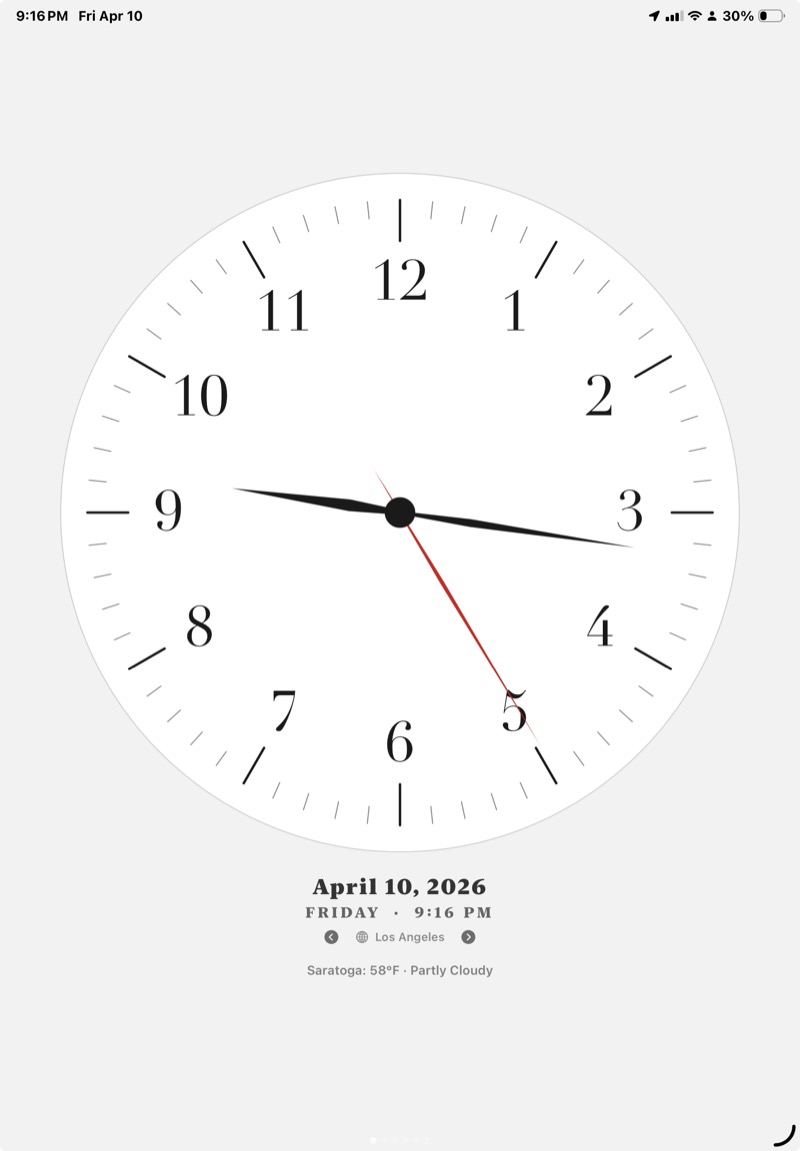
Portrait
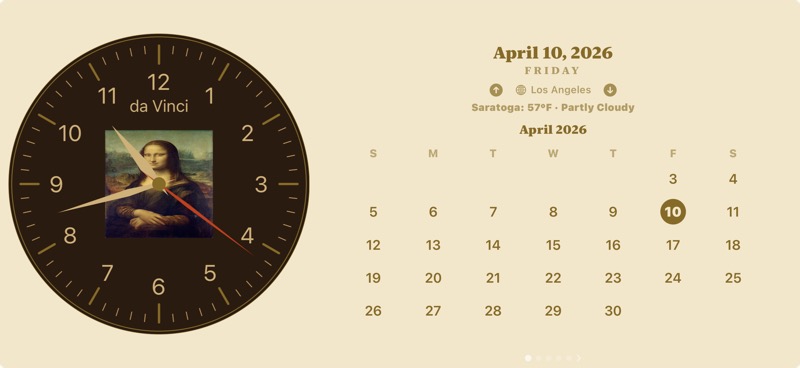
Desk Mode
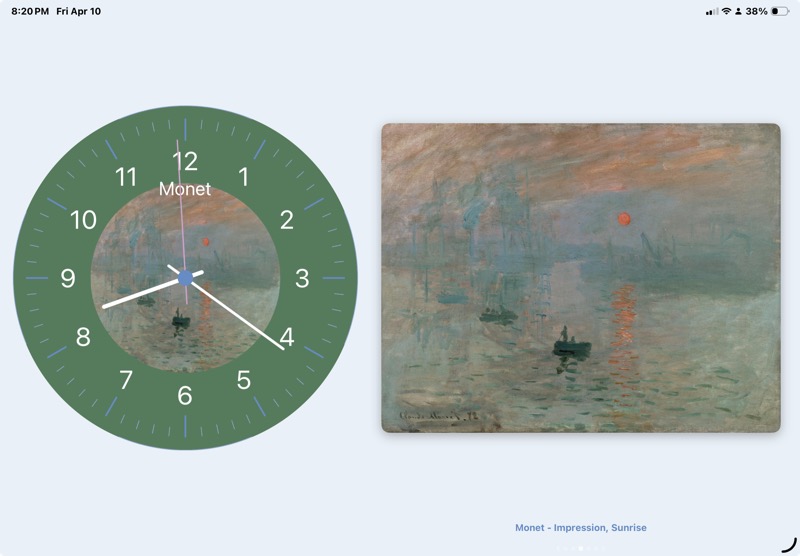
Slideshow
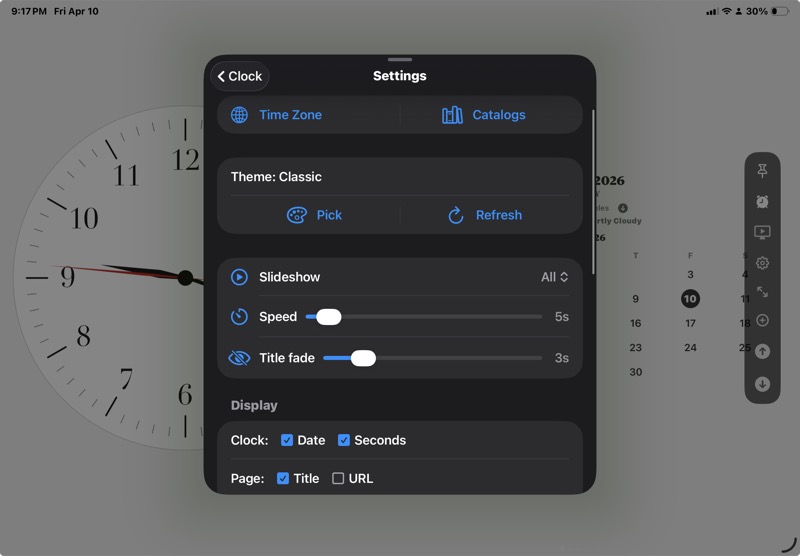
Settings
Clock fills the screen. Swipe up/down to navigate pages. Floating toolbar at bottom.
Rotate to landscape or tap "Desk". Two panels — clock left, content right. Screen stays on.
Clock, or swipe to alarm / timer / stopwatch / pomodoro.
Info, calendar, weather, theme art. Toolbar at right edge.
Give either panel full width. Tap again to restore split.
Reset both panels to defaults — clock + info.
Tap play to auto-cycle through theme art. Configurable speed (2–60s), scope (all / favorites / current), and auto-advance to next theme.
Bring your own theme, or try one a friend shared. Settings → Themes → Add Theme.
Paste an https:// link to a theme JSON. IndiClock fetches, validates, and previews before applying.
Theme links in Messages, Mail, or Safari open straight into the preview screen.
See the live clock with the theme before committing. Cancel anytime.
GitHub Pages, Gist, JSONBin, jsDelivr — any https host serving JSON under 100 KB works.
AM/PM, snooze (5x), custom labels, 18 sounds.
H:M:S countdown, progress ring, session log.
50ms precision, lap recording.
1–60 min focus sessions, tick sound, alert.
| Gesture / Action | Result |
|---|---|
| Swipe up | Next page |
| Swipe down | Previous page; from clock, previous theme |
| Swipe left on clock | Next theme |
| Swipe right on clock | Previous theme |
| Tap clock icon | Widget toolbar (portrait) / cycle left panel (landscape) |
| Tap play | Start / pause slideshow |
| Tap expand | Full-screen active panel |
| Tap home | Reset to clock + info |
| Tap "Desk" | Lock landscape for desk use |
| Rotate device | Auto-switch portrait / landscape |
| Tap page dots | Advance to next page |
| Tap theme in picker | Apply instantly |